top of page

booking tutorial
How to book your session at PIYOST
-Go to our website and click “Book Now.”
-On the booking page, click “Log In” in the top right corner.
-Type your email address and click “Continue.”
There’s no separate sign-up — signing in automatically creates your account.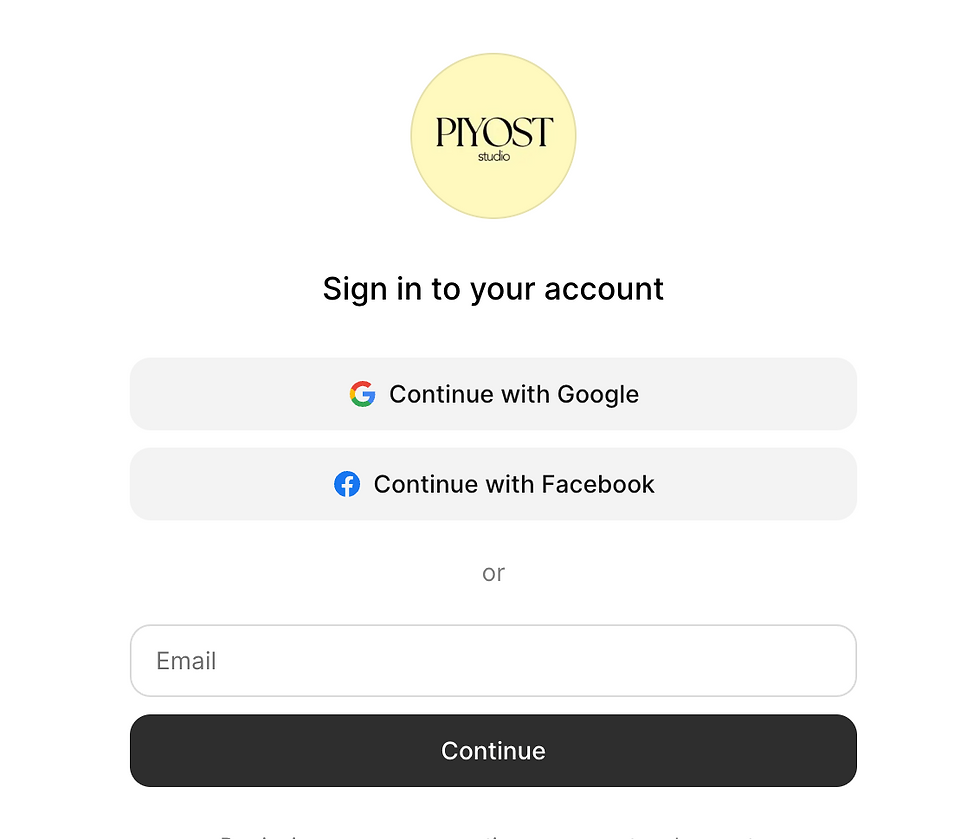
check the same email you registered with to receive your verification code.
If you don’t see it, check your spam or junk folder.
Once logged in, fill in your personal details.

Choose your preferred time and class, then proceed to payment using your card.
You’ll receive a booking confirmation by email, along with a reminder before your class.
bottom of page